
First navigate to settings by selecting “Menu” on the navigation bar at the bottom of your screen, and then selecting “Settings” from the pop-up menu.
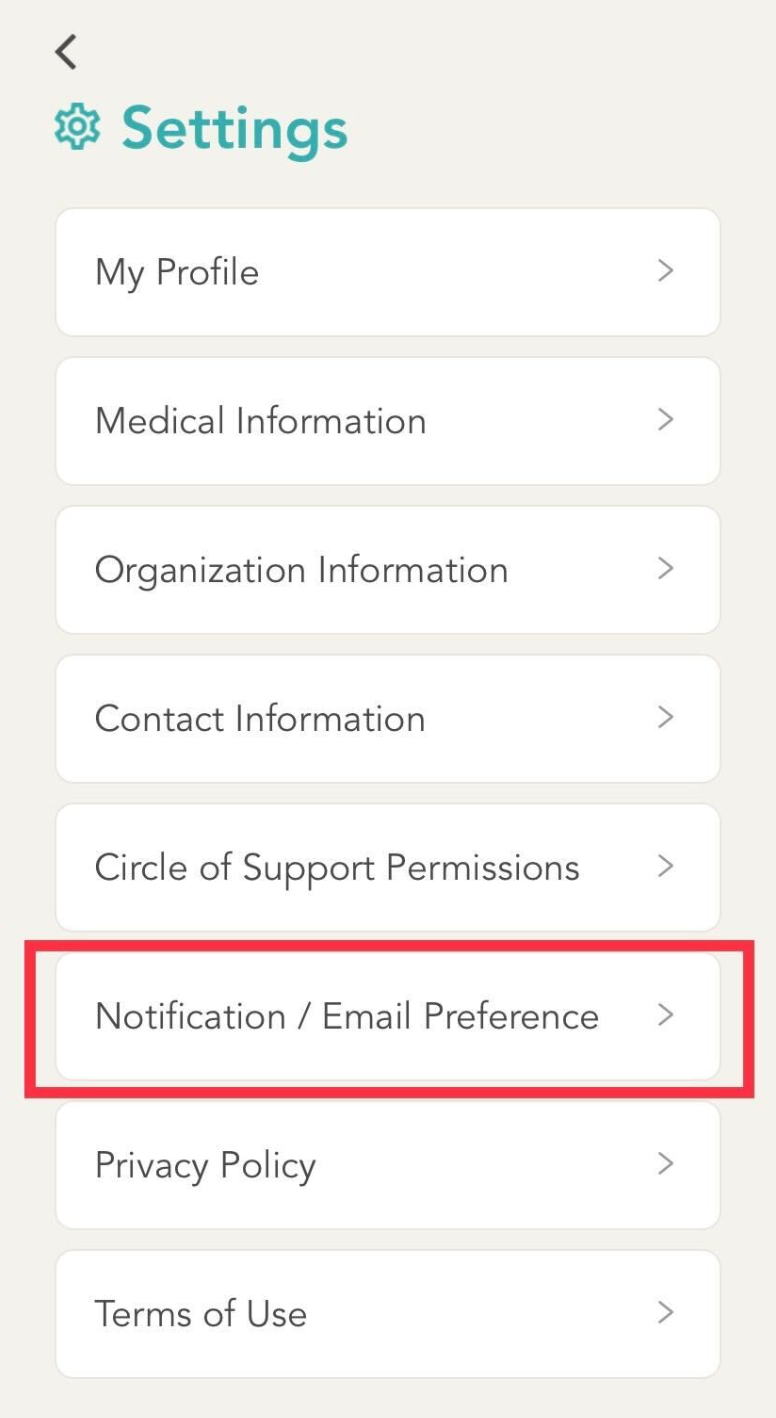
In the settings menu, select “Notification/ Email Preference”.
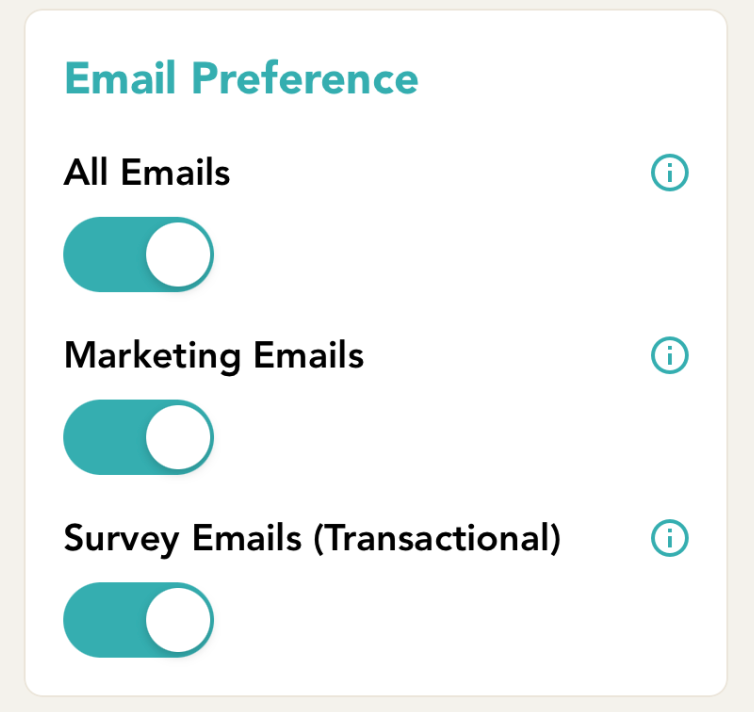
Lastly, scroll down to “Email Preference” and change your settings as desired. When completed, ensure that you click “Save” on the top right of the screen to apply your changes.
Comments
0 comments
Please sign in to leave a comment.