
First navigate to settings by selecting “Menu” on the navigation bar at the bottom of your screen, and then selecting “Settings” from the pop-up menu.
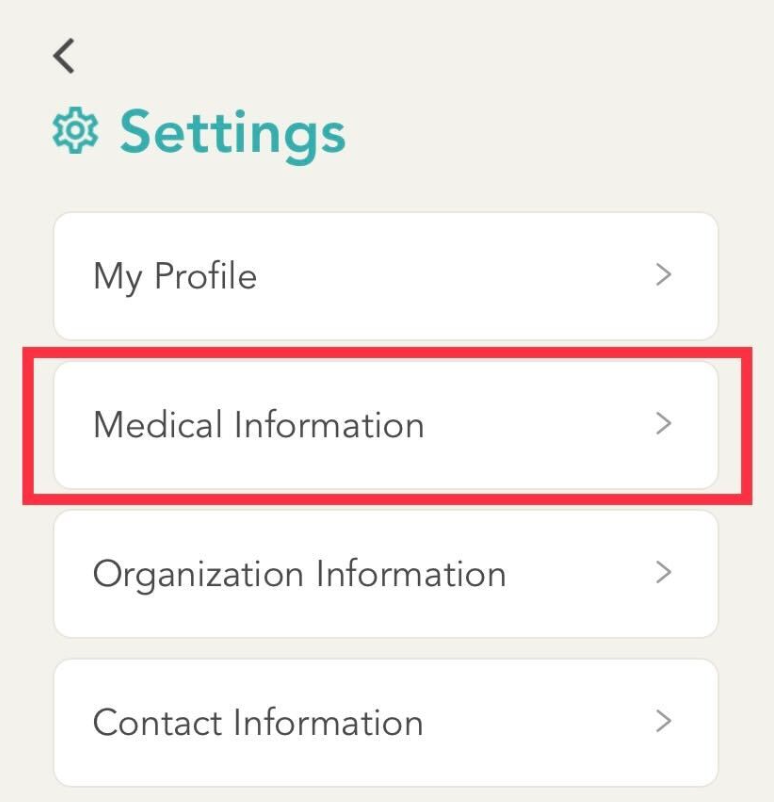
In the settings menu, select “Medical Information”.
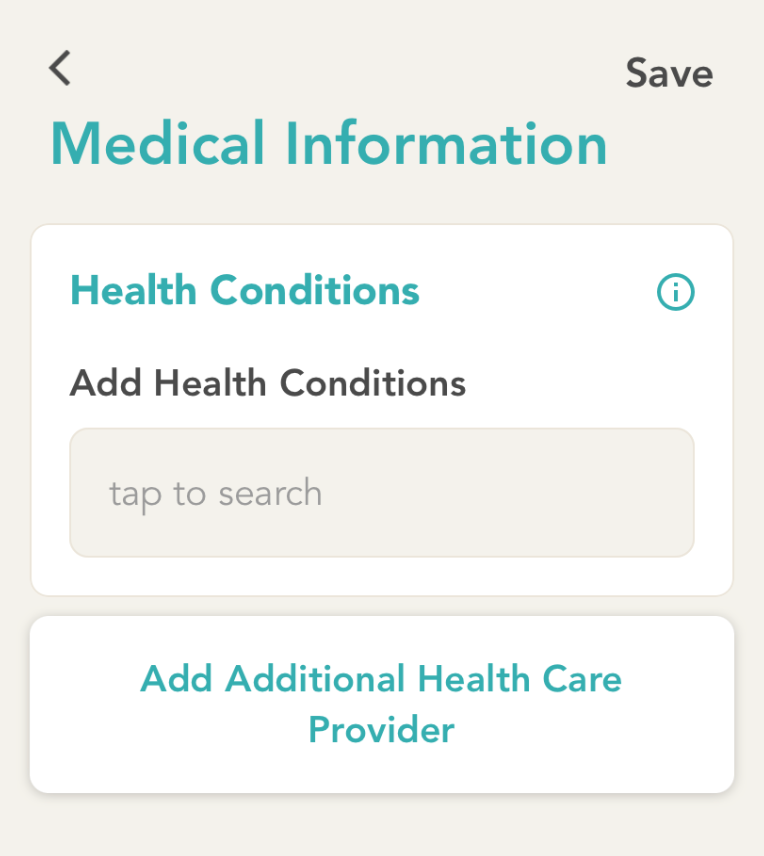
Using the search bar you can now search for, and add relevant health conditions.
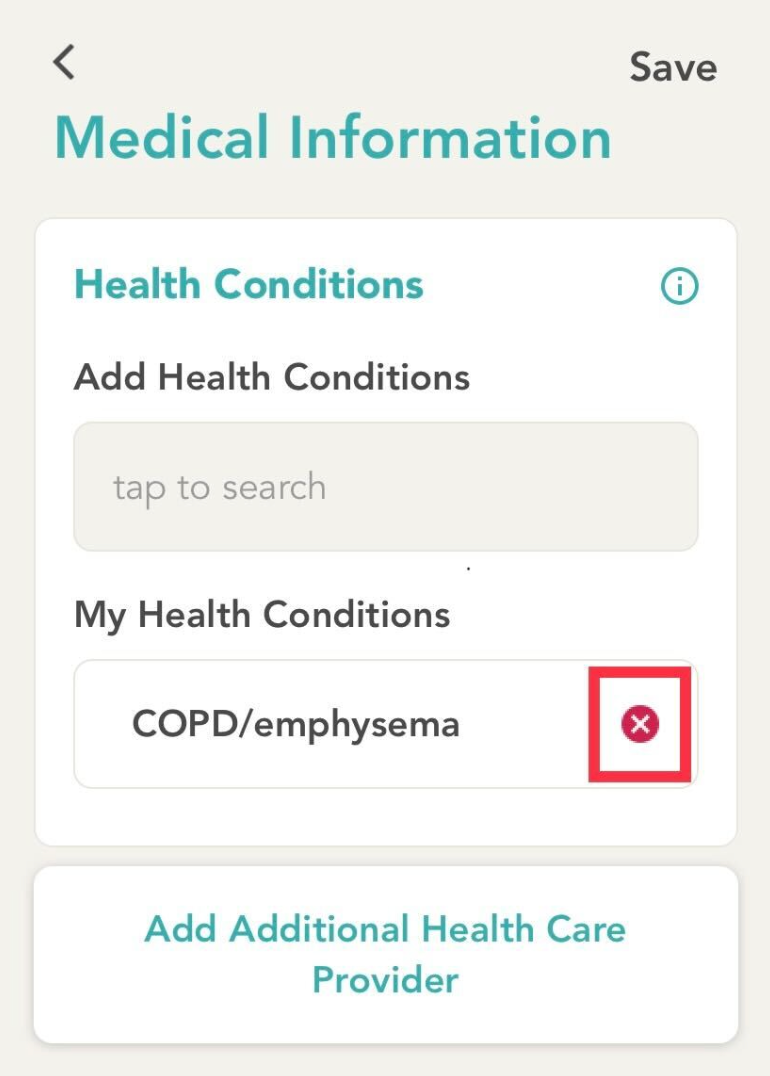
Once you’ve added your health conditions they will appear under “My Health Conditions”. Ensure you click on “Save” on the top right once added so that the changes will be applied.
To Remove a Health Condition - you can simply click on the red “x” next to the condition. Ensure you click on “Save” on the top right once added so that the changes will be applied.
Comments
0 comments
Please sign in to leave a comment.