
-
In order to track your symptoms, you must first add them. Visit section How to Add a Symptom to know more.
-
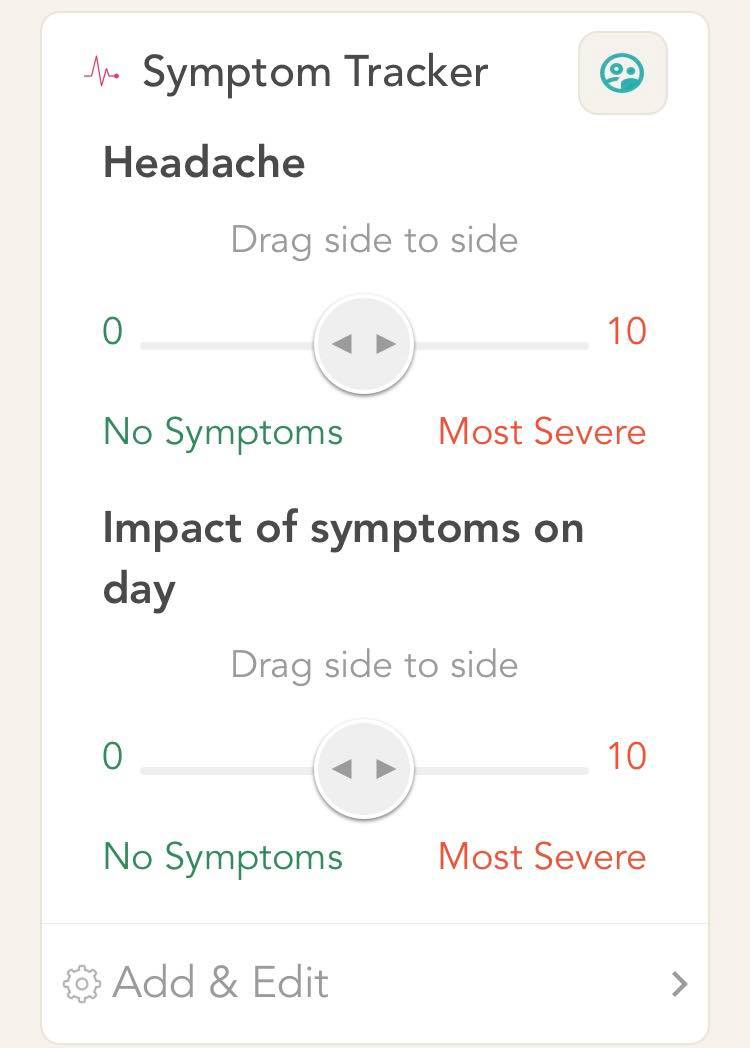
On the home screen, expand the symptom tracker card to expose the symptoms in your tracker.
-
Drag the slider to select the intensity of your symptom. Sliding towards the right indicates that the symptom is of high intensity. Sliding towards the left indicates that the symptom is of low intensity.
-
You can also record the impact that the symptom had on your day. Drag the slider to record the impact level. Sliding towards the right indicates that the symptom had a very high impact on your day. Sliding towards the left indicates that the symptom had a very low impact on your day.
Comments
0 comments
Please sign in to leave a comment.