
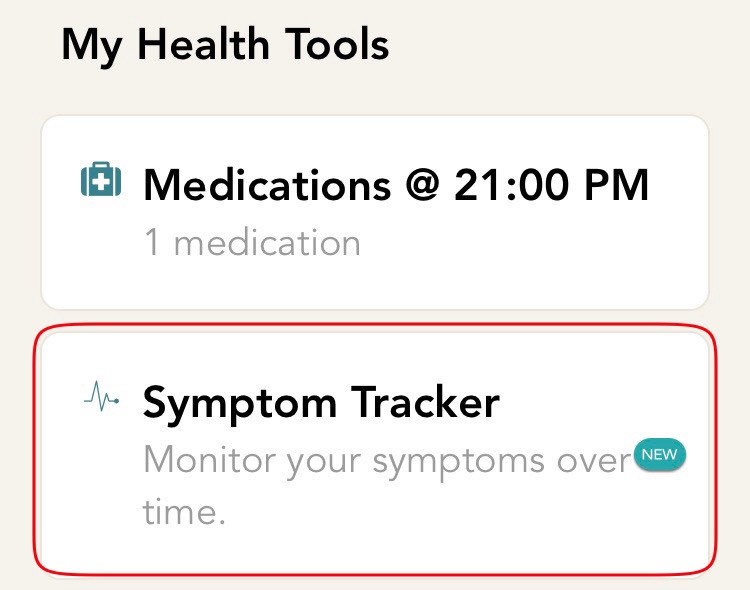
- From the home screen, click on the symptom tracker card. If you are not on the home screen, click on the home icon which is on the bottom bar of your screen.
-
You will now be directed to the set up screen. You will see a list of the symptoms added by you. Click on the ‘Add & Edit’ option to edit a symptom.
-
On the next screen, you will see a list of symptoms added by you. Click on the symptom which you would like to edit.
-
You will now be directed to a screen with detailed symptom information. Update your symptom as per your needs. Health Storylines offers you the flexibility to edit any field appearing on this screen
-
After performing the desired changes, hit the save button located on the top right corner of the screen
Comments
0 comments
Please sign in to leave a comment.