
- In order to track a medication, you must first add them. Visit section How to Add a Medication to know more.
- You will receive reminder notifications on your phone to remind you to take your medication. Click on the notification to view the medication details on your app.
- There are three responses you can choose from, to track your medication.
- Taken - Click on ‘Taken’ if you took your medication.
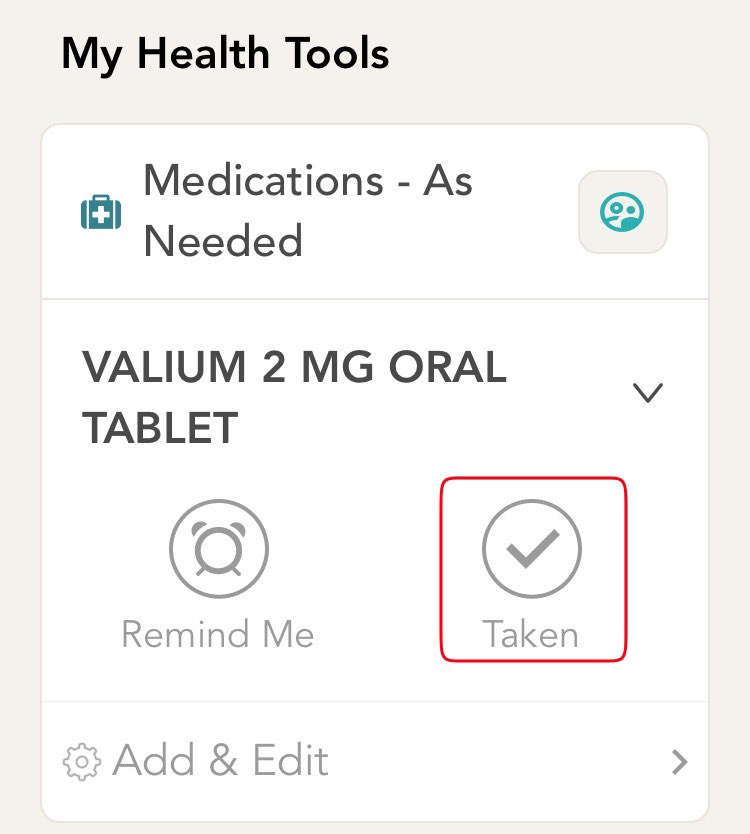
- Missed - Click on ‘Missed’ if you missed your medication. A popup will be displayed to you with different reasons for missing the medication. Click on the option that applies to you.
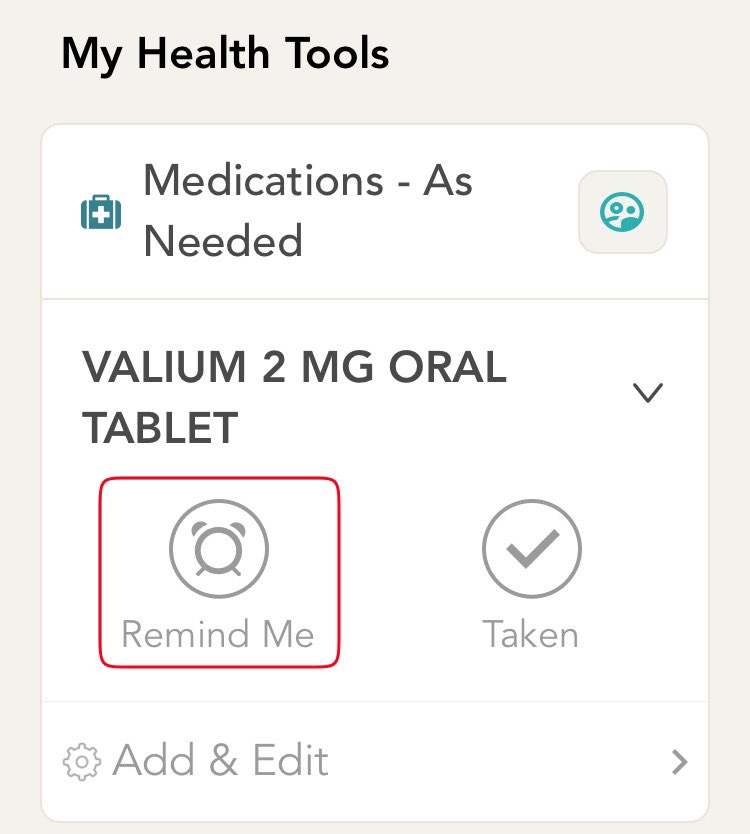
- Remind me - Click on ‘Remind Me’ if you would like to be reminded again in the next hour. Three options will be displayed to you. Click on the 15 mins icon to be reminded after 15 mins, 30 mins icon to be reminded after 30 mins, 1 hour to be reminded after 1 hour.
- Every time you track your medication, a medication entry is created in your storylines. You have complete visibility and access to your tracked medication history.
- At any time you can visit the home screen of the app and log your activity by following the instructions in the previous steps.
Comments
0 comments
Please sign in to leave a comment.