
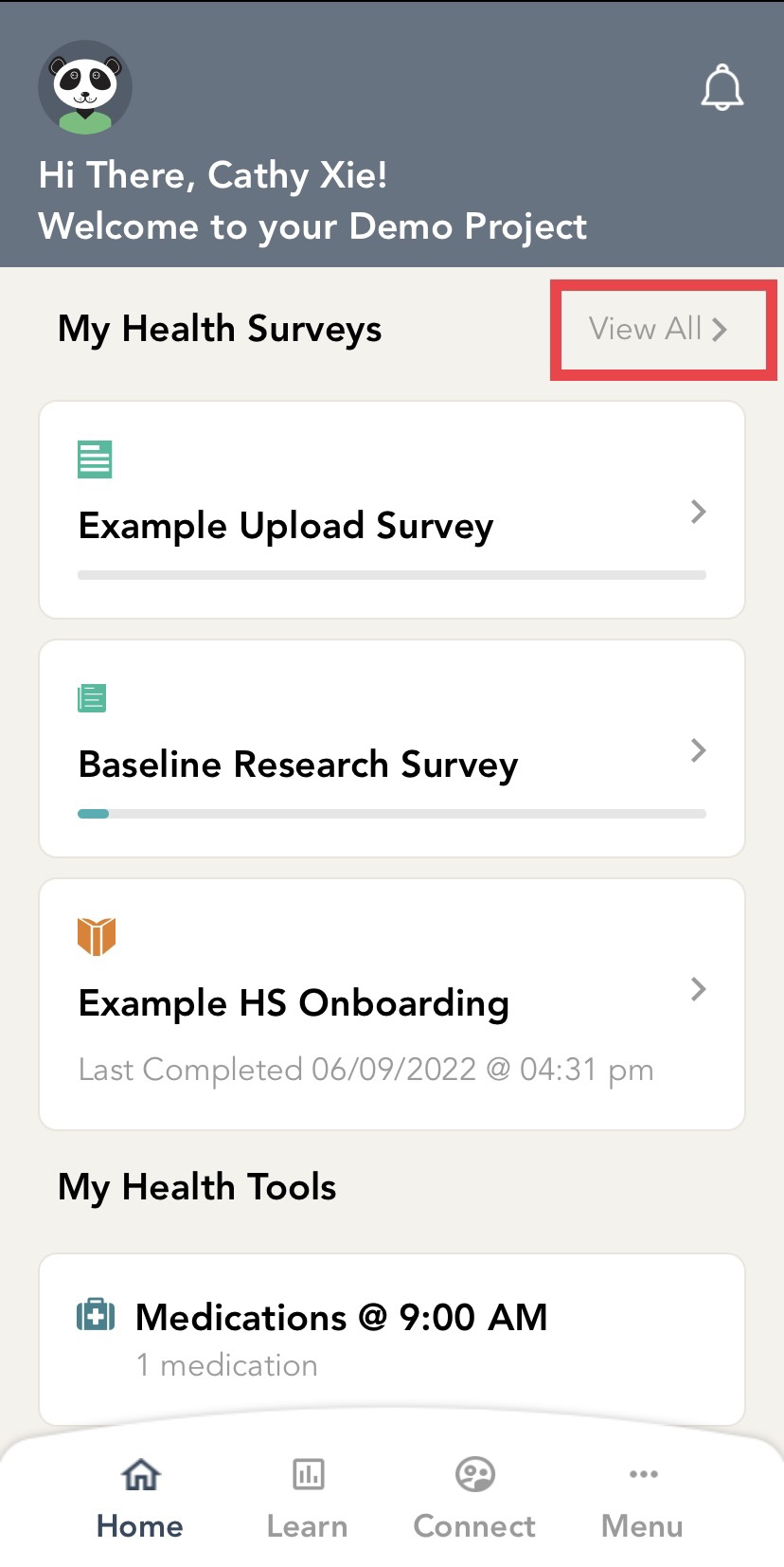
Navigate to the home screen by clicking "Home" at the bottom bar of your screen. Click on the "View All" option to see your surveys.
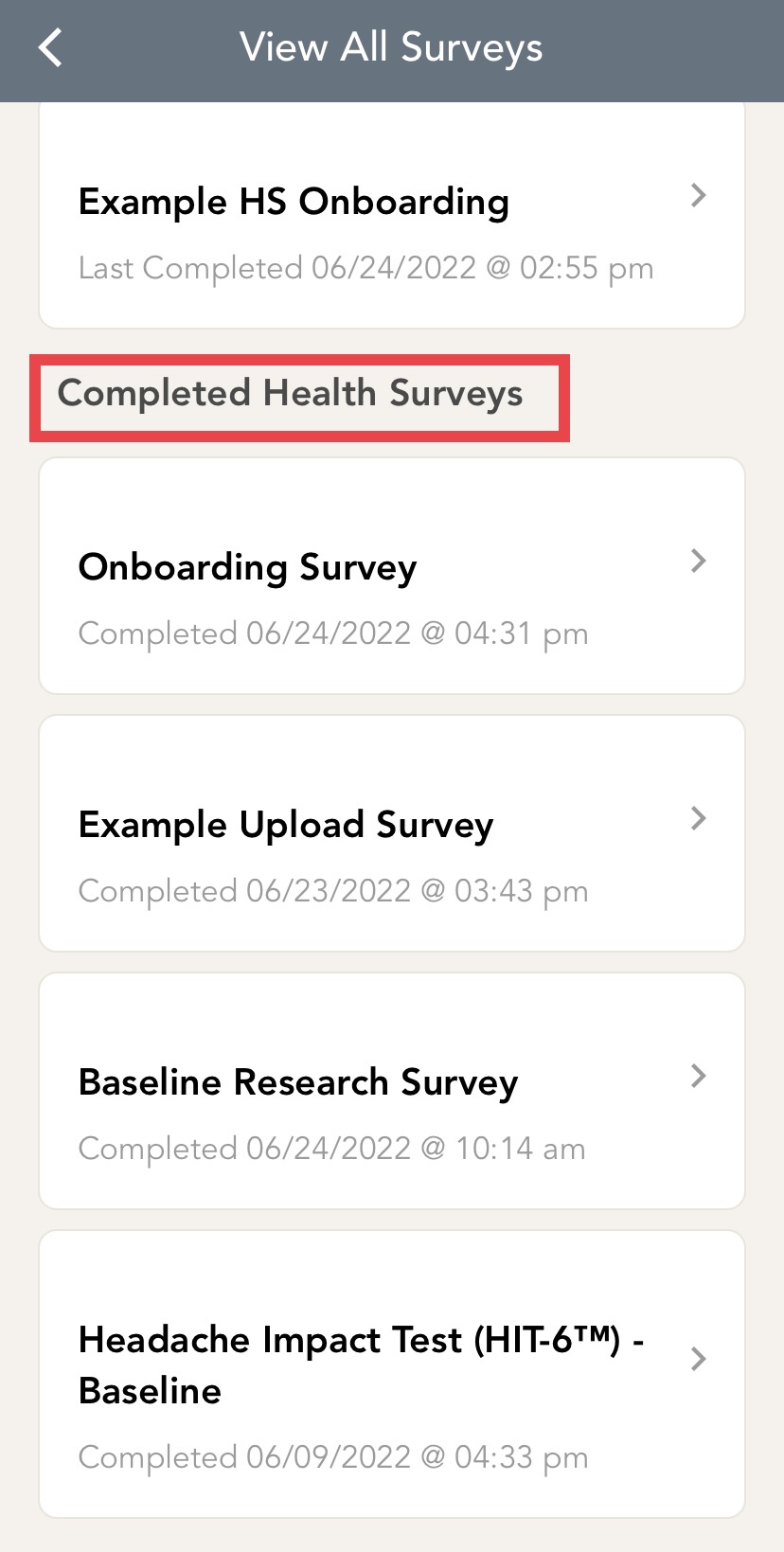
Scroll down to "Completed Health Surveys". Click on the survey you would like a copy of. For example, I would like a copy of the "Baseline Research Survey".
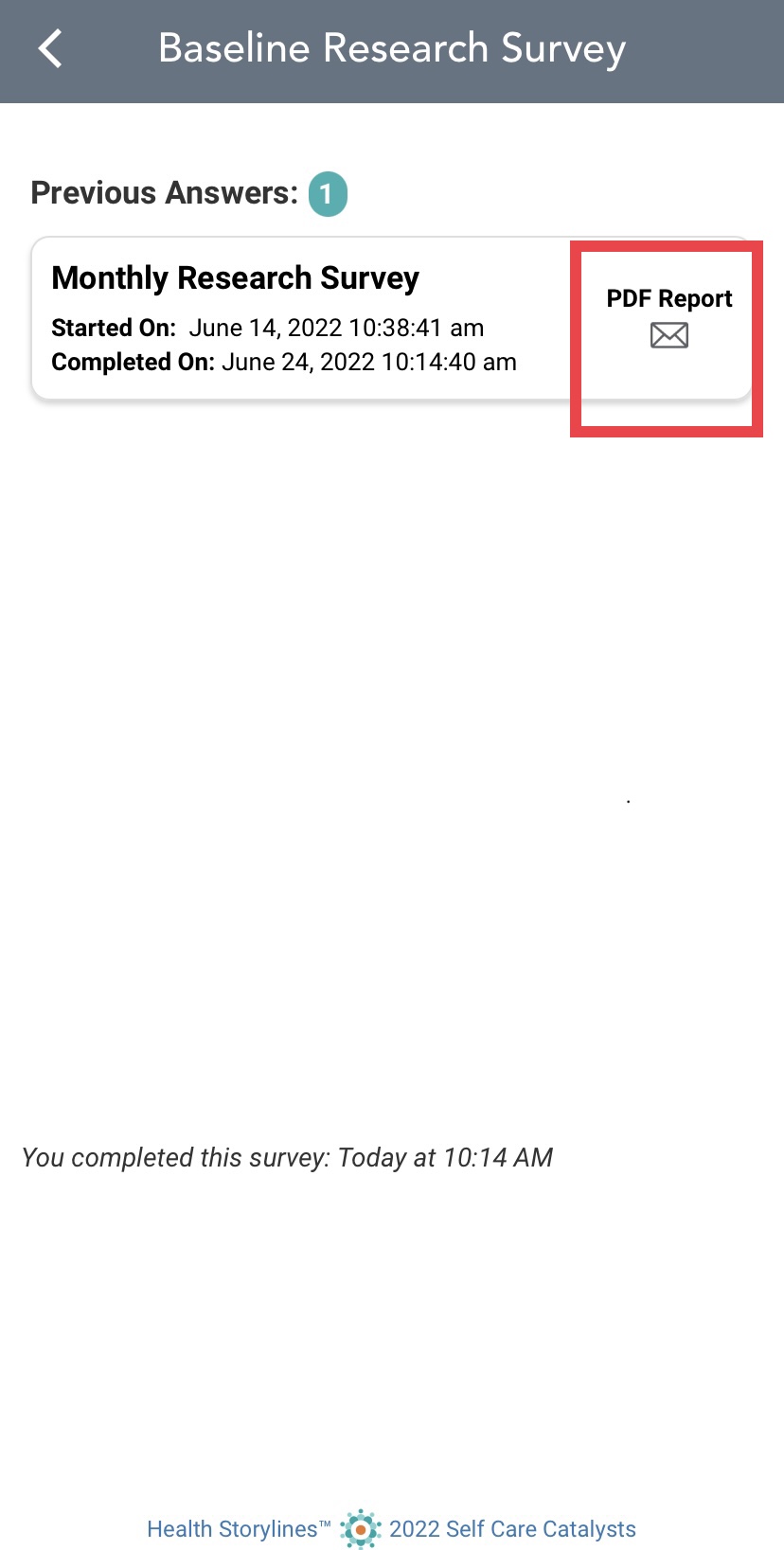
Once you click into the survey, click on "PDF Report" with the mail icon. This will send you a copy of the completed survey to your email.
Comments
0 comments
Please sign in to leave a comment.