
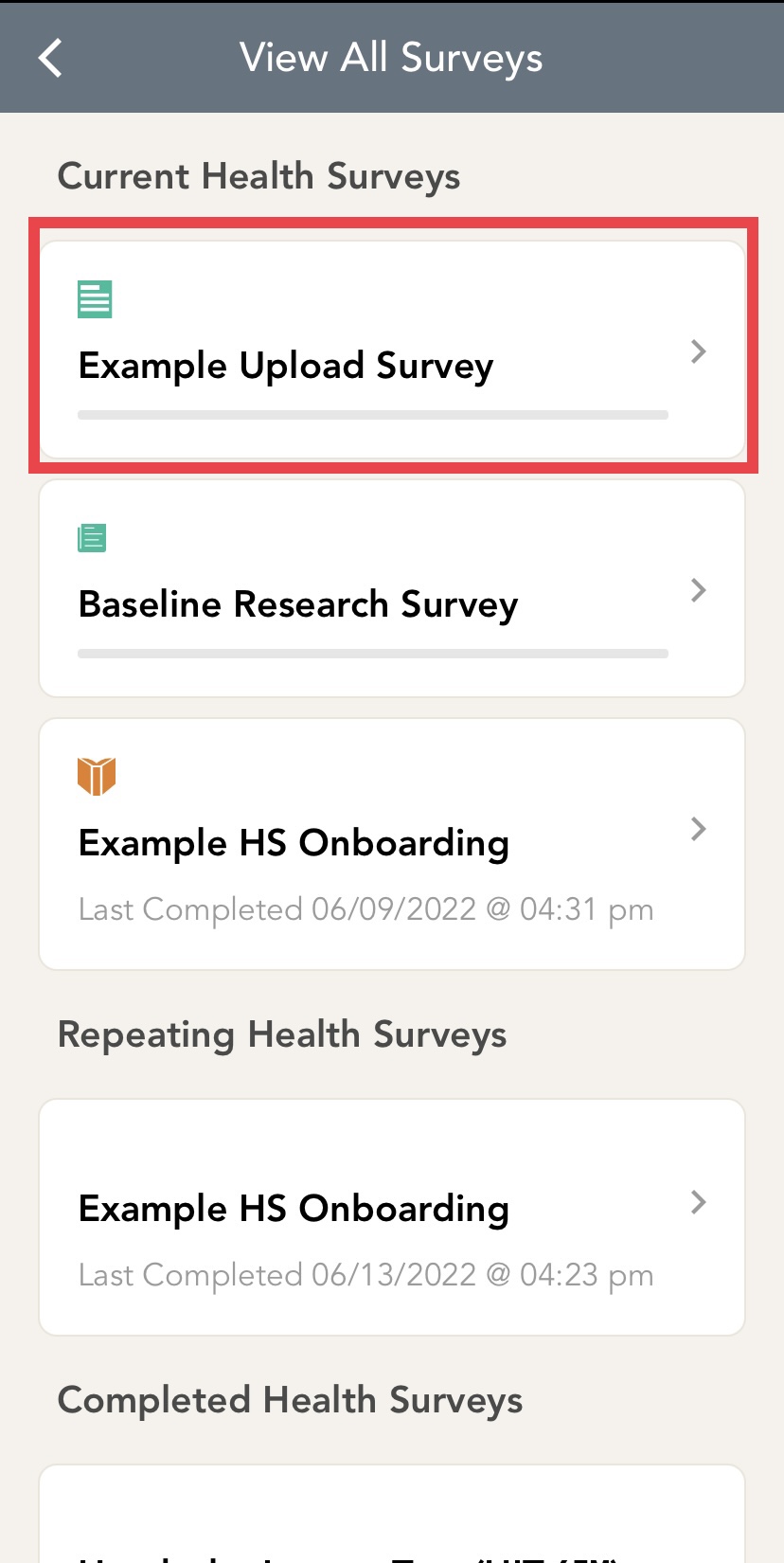
Navigate to the home screen by clicking "Home" at the bottom bar of your screen. Click on the "View All" option to see your surveys. Click on the survey you would like to fill out. For example, I would like to fill in "Example Upload Survey."
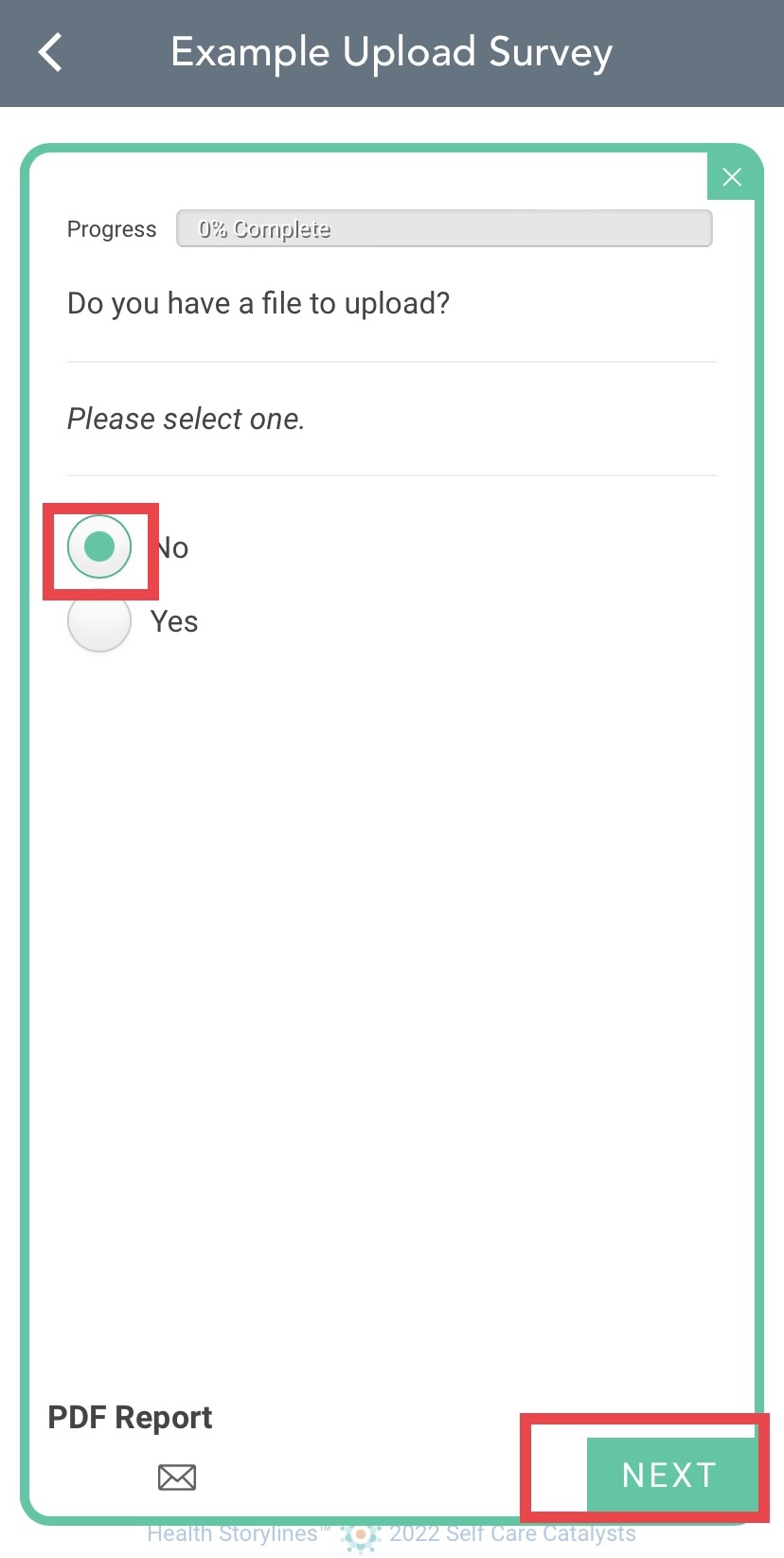
Once I press on the survey, it will bring me to the first question. Select an answer to the question by clicking on the bubble beside the answer you'd like to choose.
To move onto the next question, press "NEXT" at the bottom right of your screen. You must choose an answer before you are able to move on to the next question.
At any point you would like to change a previous answer, press "PREV."
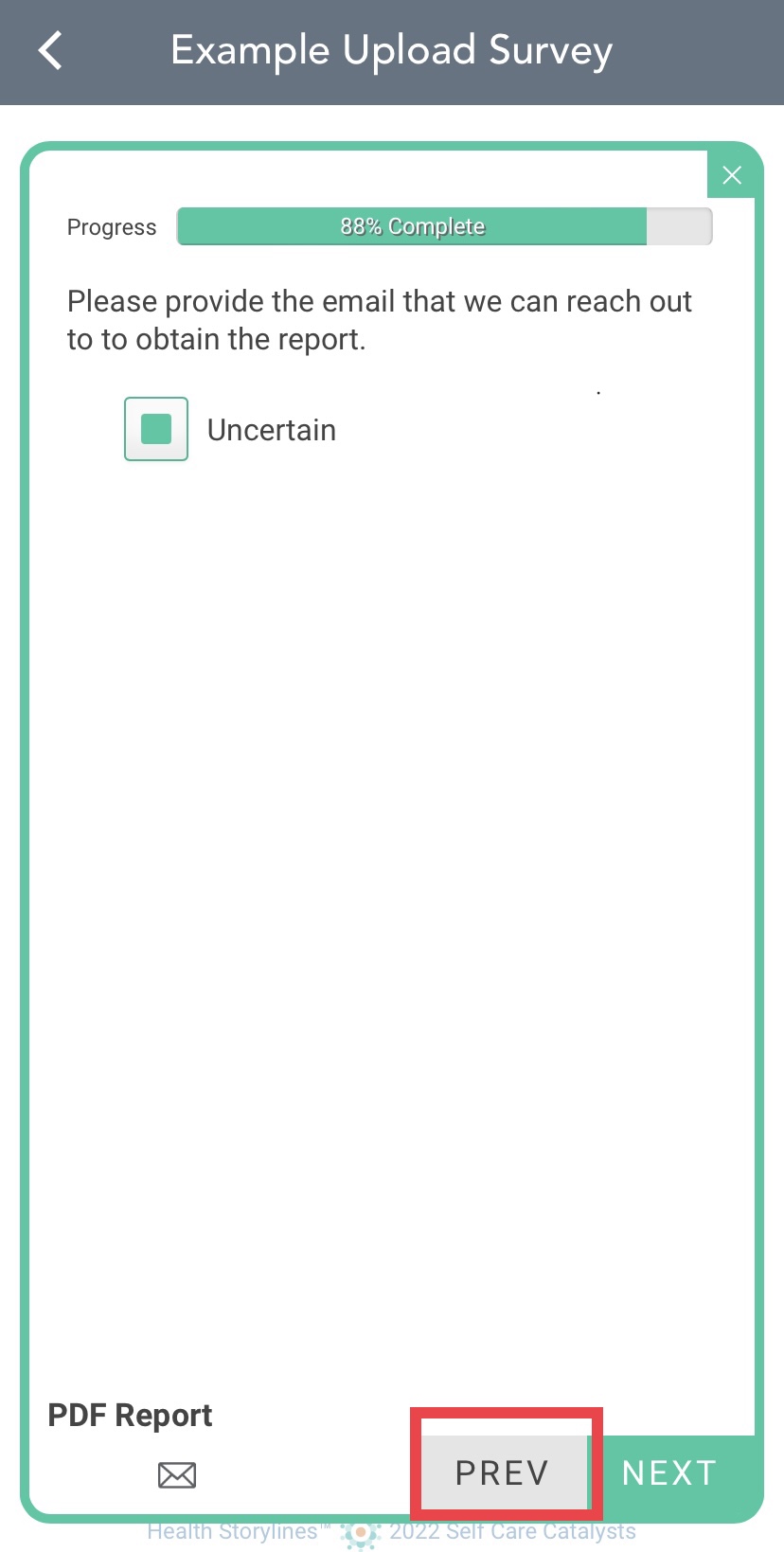
The progress bar shows you how much of the survey you have completed.
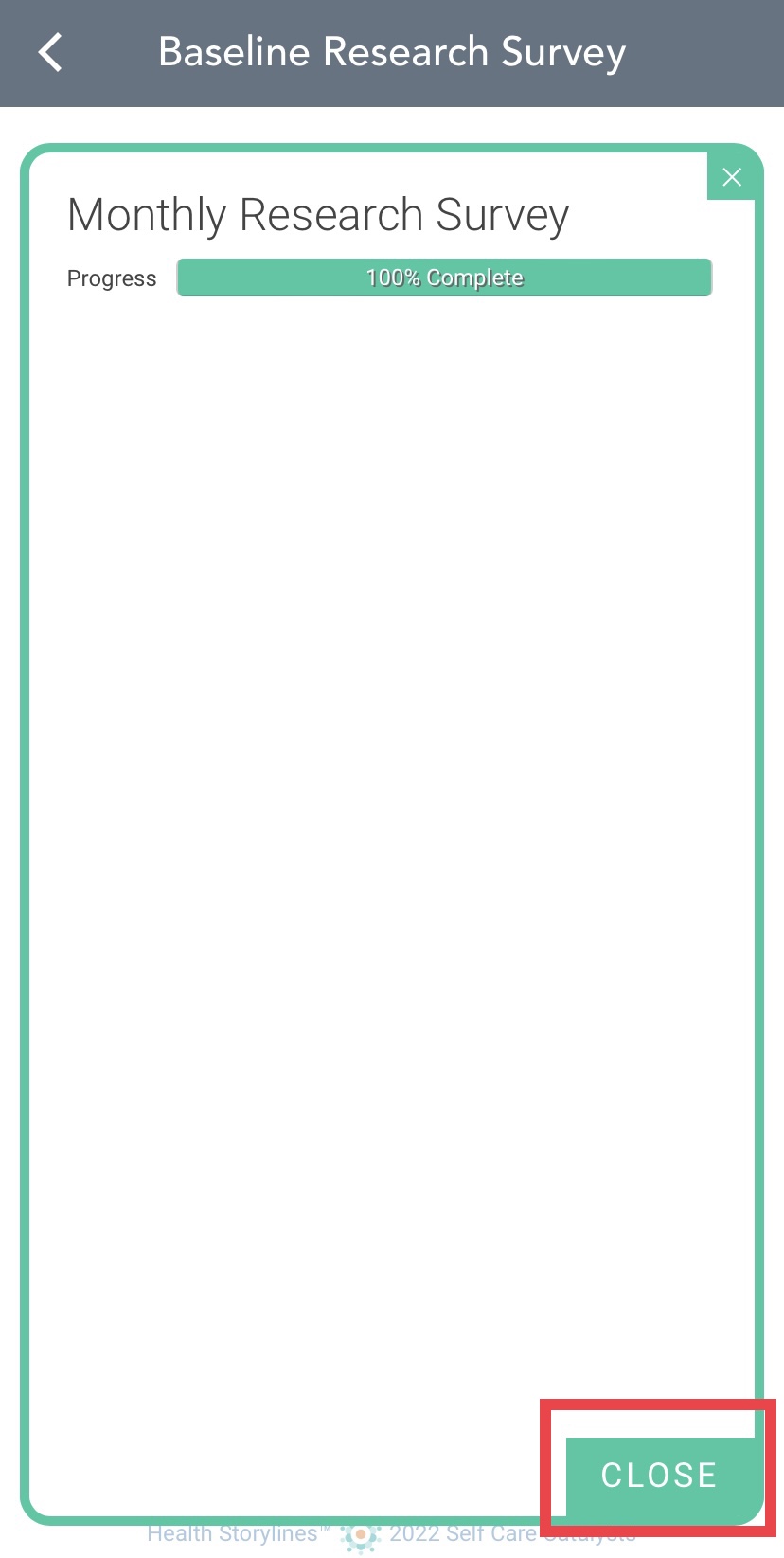
Once you have completed the survey, click close to go back to the surveys page.
Comments
0 comments
Please sign in to leave a comment.