
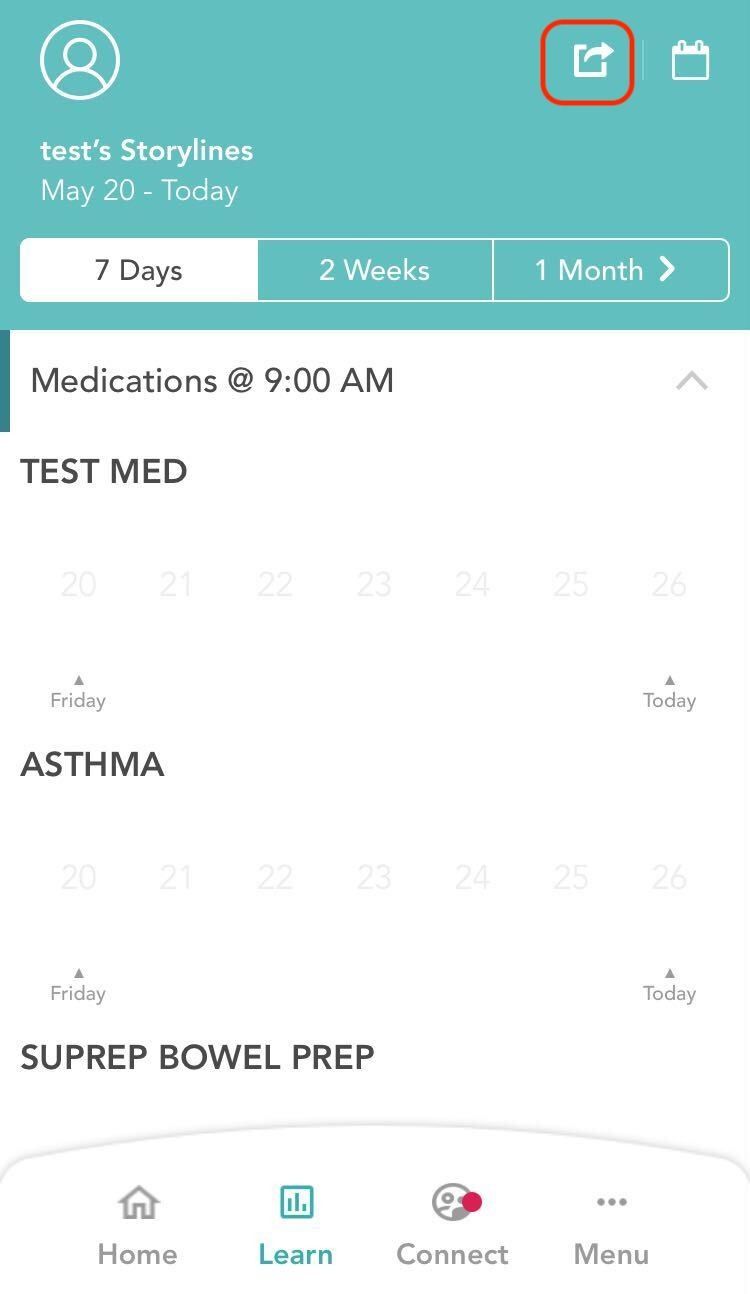
- On the top of the page, you will see an arrow button next to the calendar icon.
-
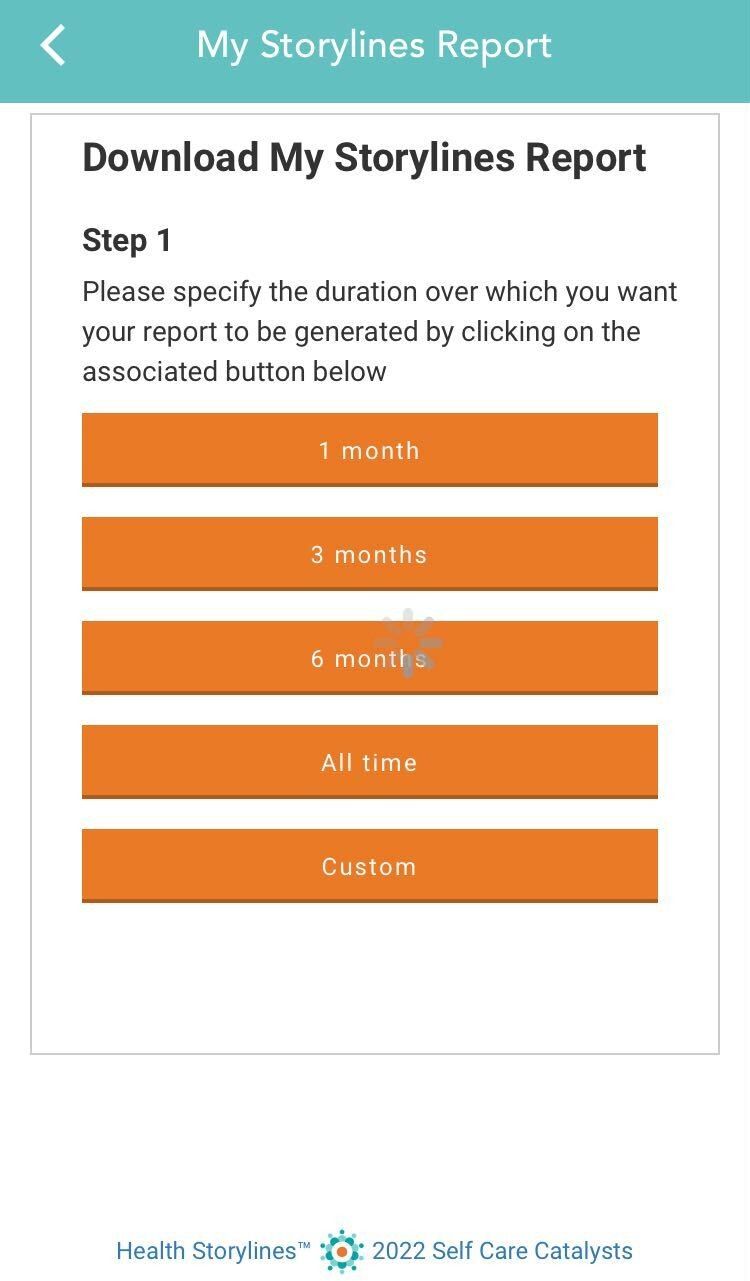
Then you will get to the page where you can download the report
-
Click on the duration for which you wish to see your report.
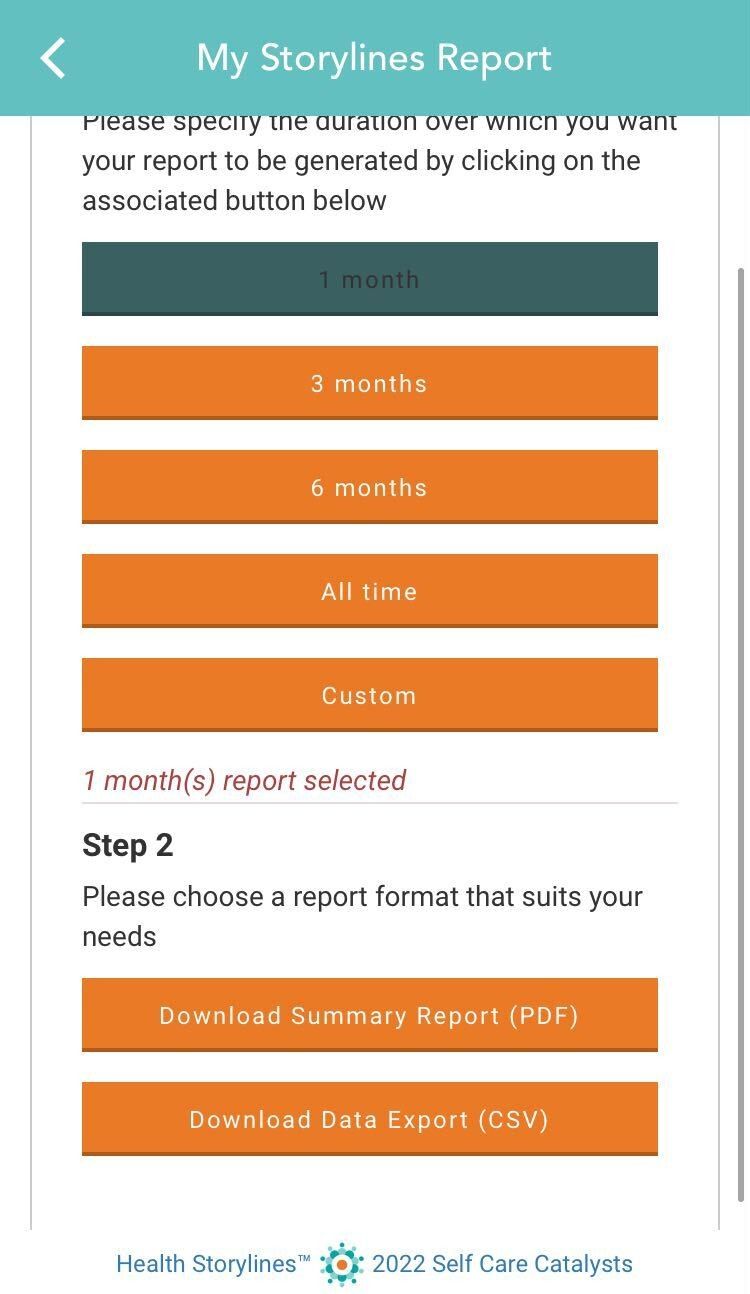
- Click on the format in which you wish to see your report - Summary report in PDF or Data Export in CSV format.
-
You will then receive a pop up requesting you to confirm the download and send action. Hit the Send button to send the report to the email address displayed or click cancel to go back.
Check your email to view and download the report sent to you.
Comments
0 comments
Please sign in to leave a comment.