
-
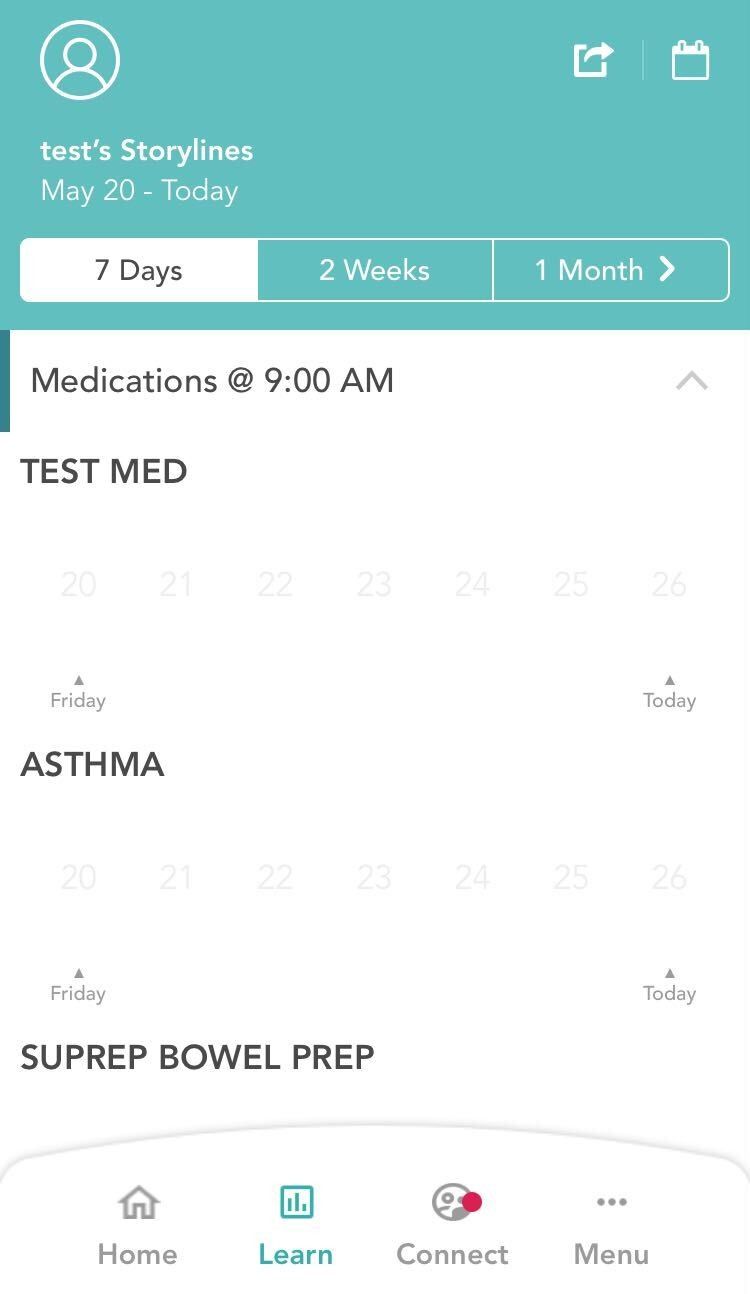
From your homepage, Click on the Learn Tab on the menu below.
-
You will see the data from the health tools that you have used.
-
You also have the ability to add or modify your entries from Storylines screen.
-
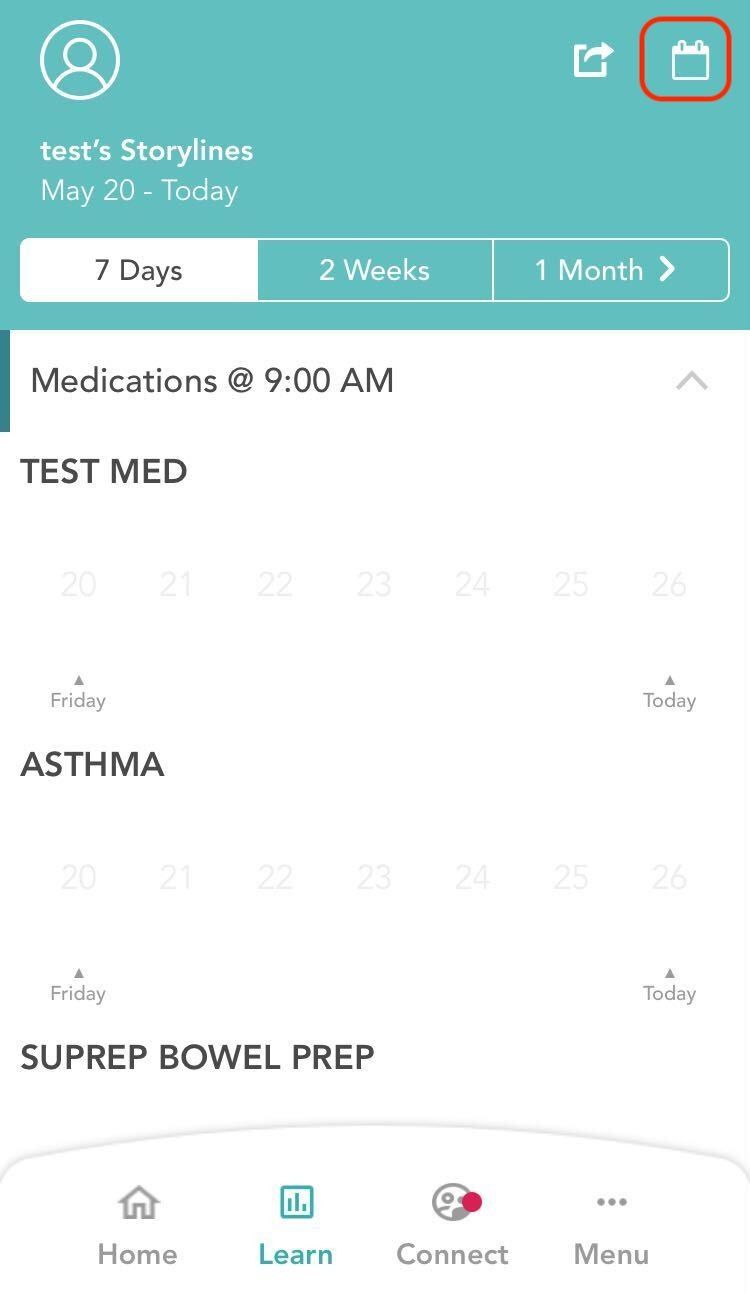
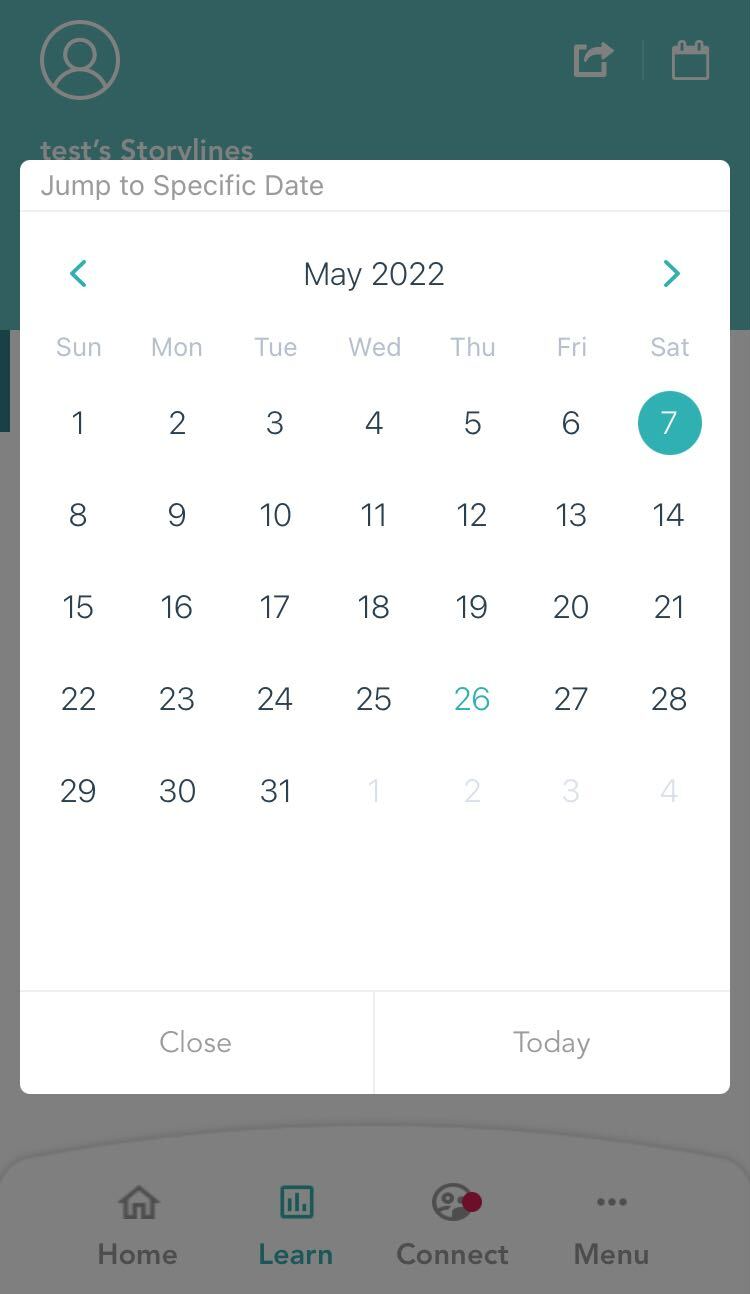
You can select the date, and view your entries for specific dates by clicking on the calendar button on top right.
-
By default, the storylines displayed to you is fetched from the last one week. You can customize this by clicking on the options that you see on the top - 7 days, 2 weeks, 1 month.
Comments
0 comments
Please sign in to leave a comment.