
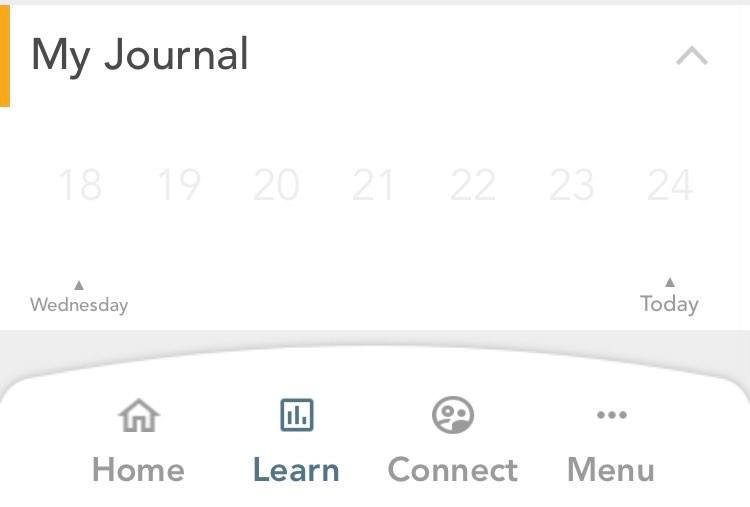
- Entries created for any tool, is saved in My Storylines view. Visit My Storylines by clicking on the second option from the left, from the bottom bar of your screen.
-
Under My Journal, click on the entry which you would like to update.
-
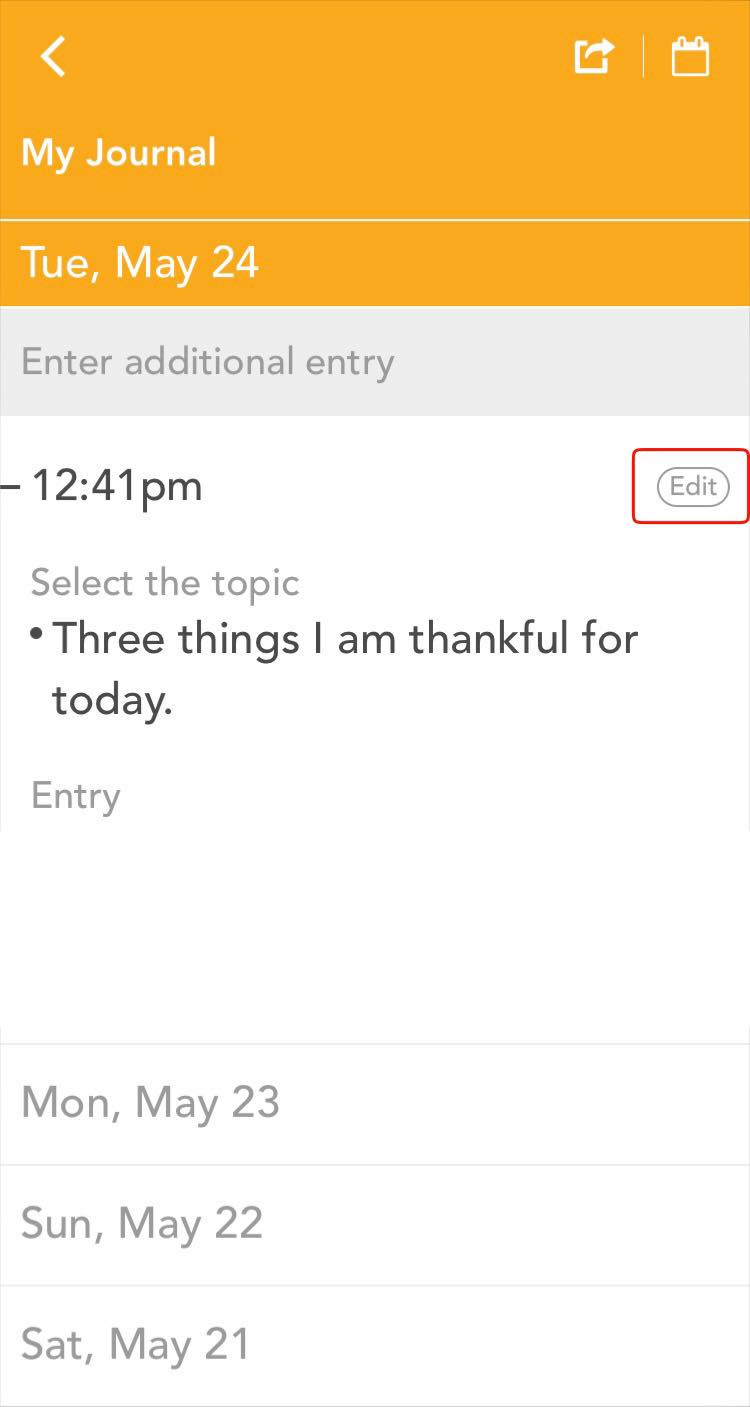
From the list of dates that appear, click on the edit button located at the right end of the entry that you would like to update.
-
You will now be on the set up screen of My Journal. Click on the field which you would to update and make updates as you like.
-
After making changes, hit the save button located at the top right of your screen.
Comments
0 comments
Please sign in to leave a comment.