
- From the home screen, expand the My Journal card to expose the journal.
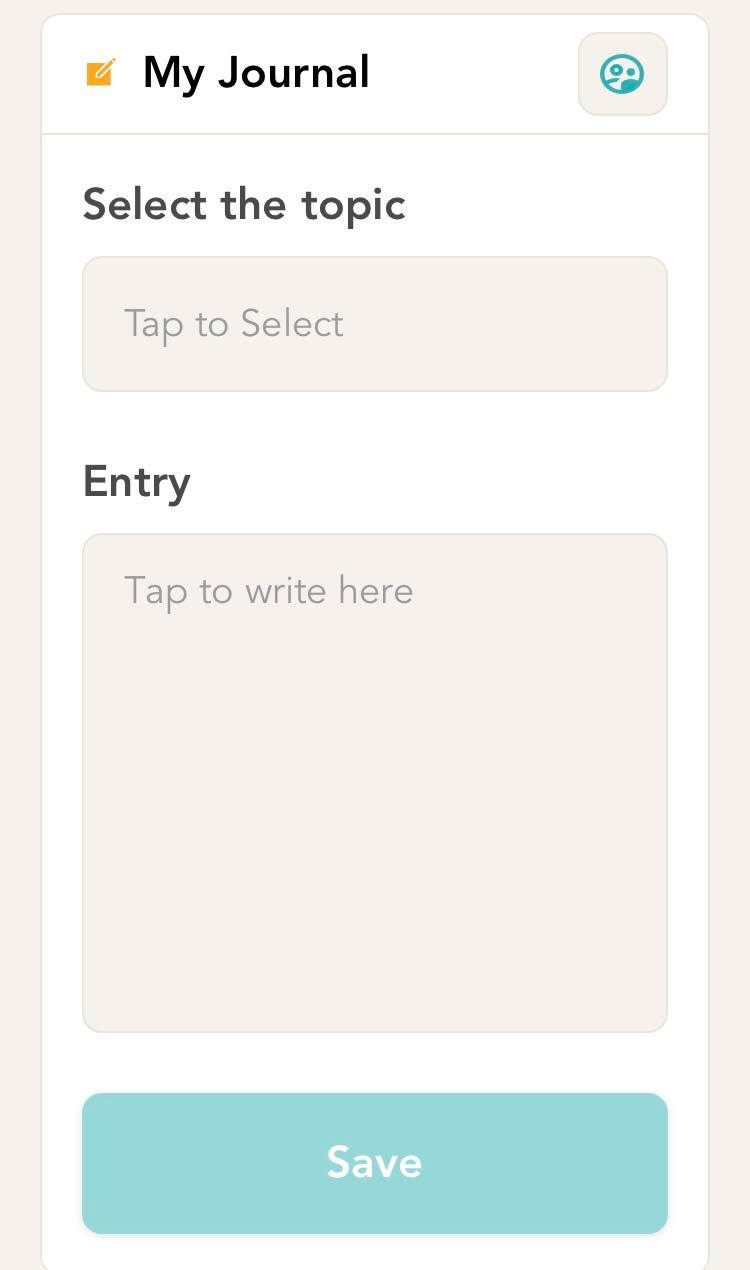
- Click on ‘Select the topic for this entry’ and click on the topic which you would like to write about.

- In the text area that you see, you can put your thoughts around the topic that you chose.
- Below the text area, you will see that the save button will be enabled. Hit save to save the record that you just created.
Comments
0 comments
Please sign in to leave a comment.