
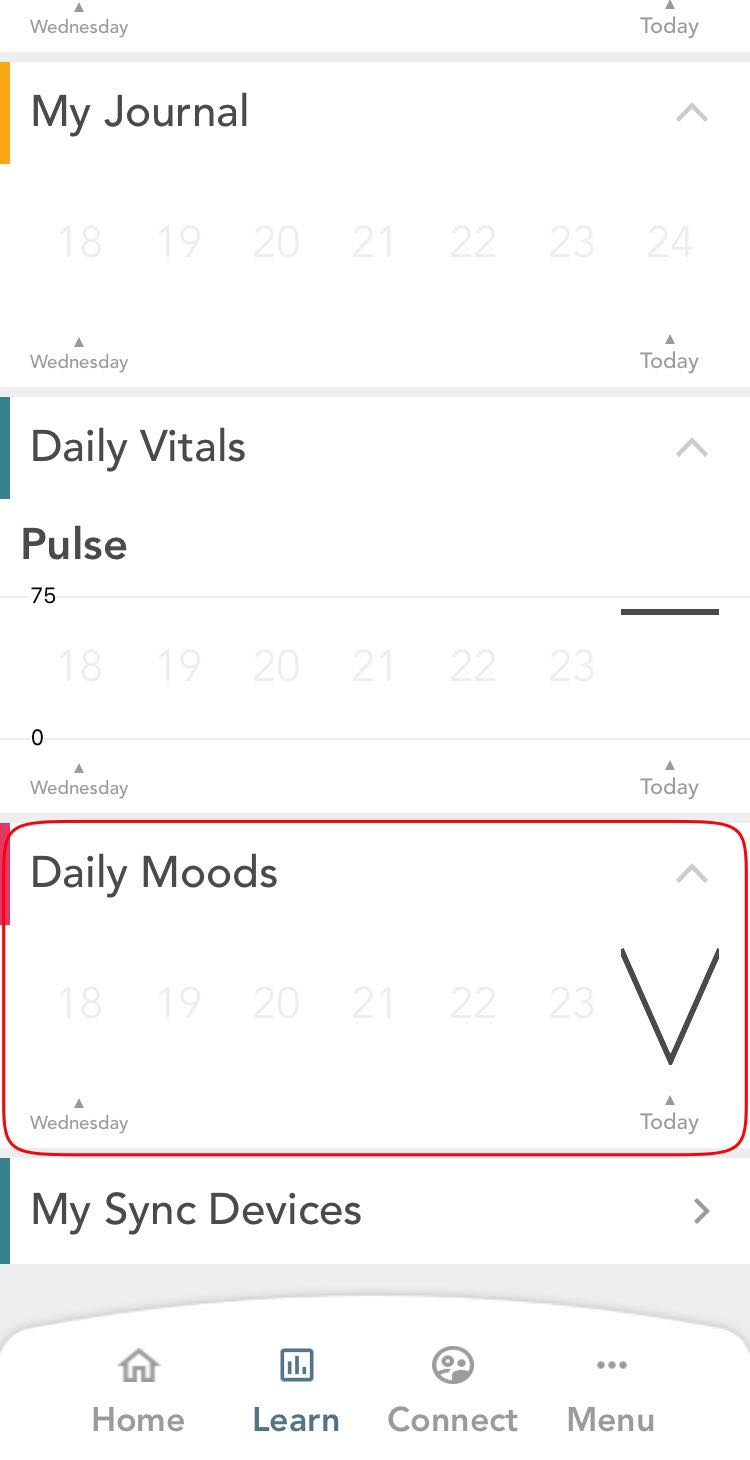
- To edit a daily mood entry, go to My Storylines and under Daily Moods, click on the entry that you would like to update.
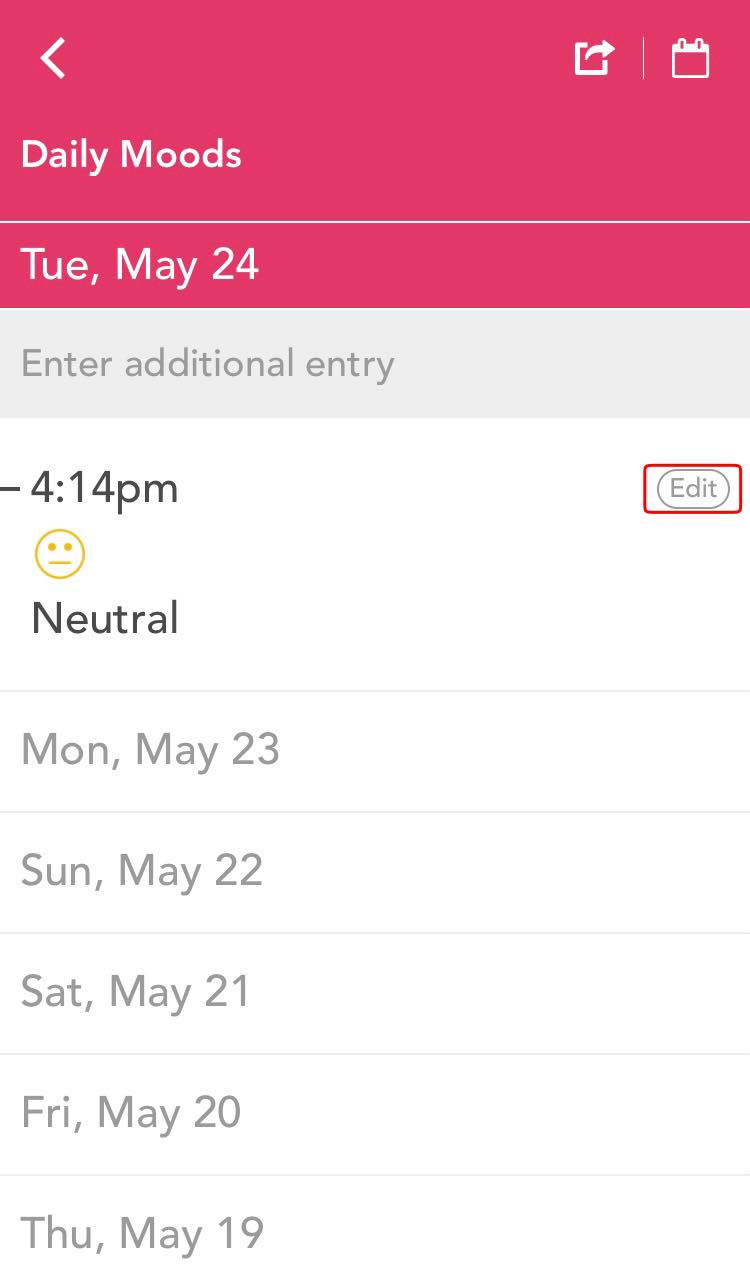
- To edit an entry, click on the corresponding edit button located towards the right end of the daily moods entry.
- You will be taken to an edit screen. Make changes as you like and hit the save button located at the top right corner of the screen.
Comments
0 comments
Please sign in to leave a comment.