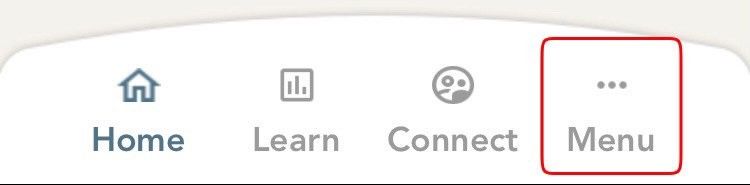
- From the bottom bar of the home screen, click on the left most icon and a menu with different menu options will open up.
-
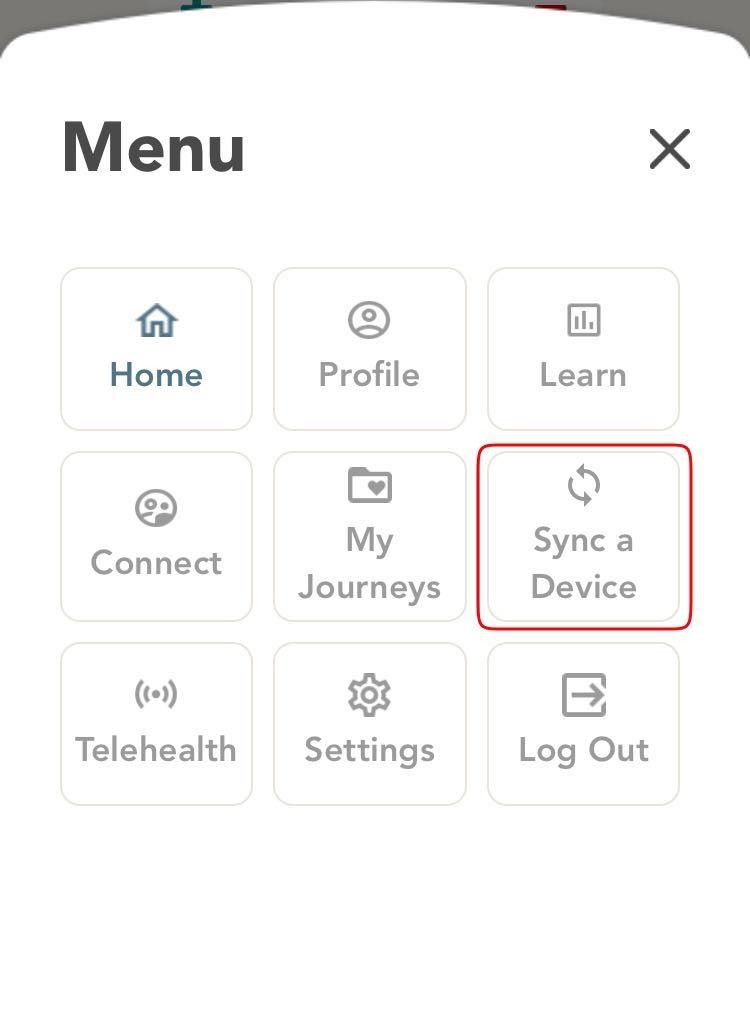
Click on the option that says ‘Sync a Device’. You will now land on the Sync a Device page.
-
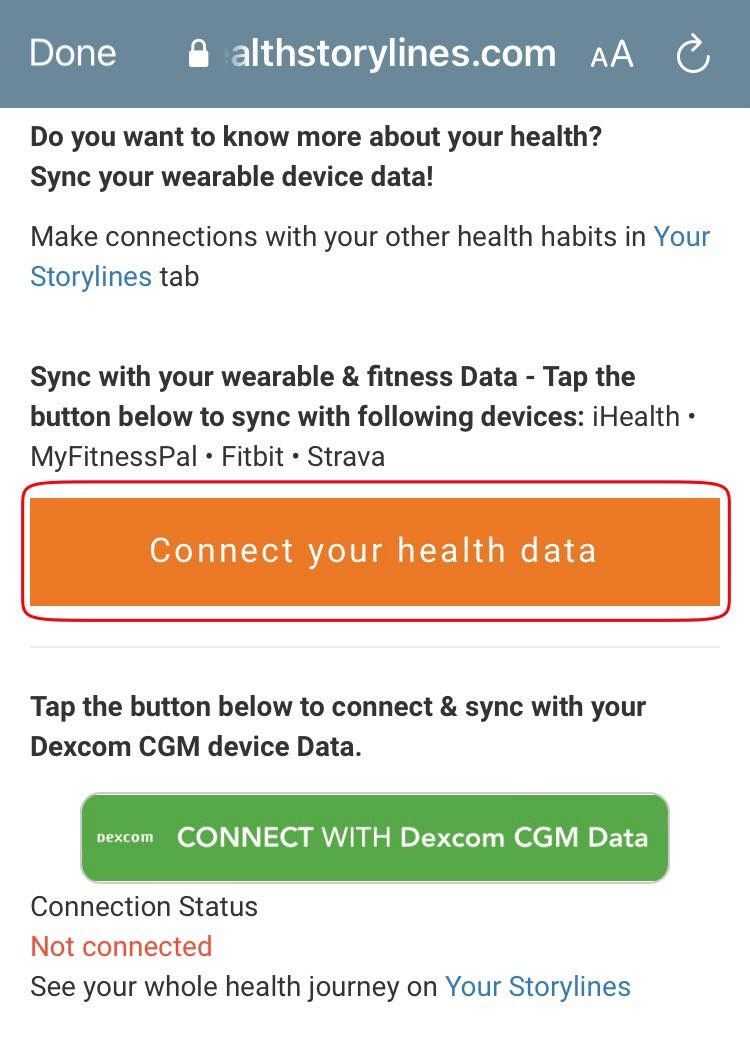
Click the orange button ‘Connect your health data’ that you see on your screen.
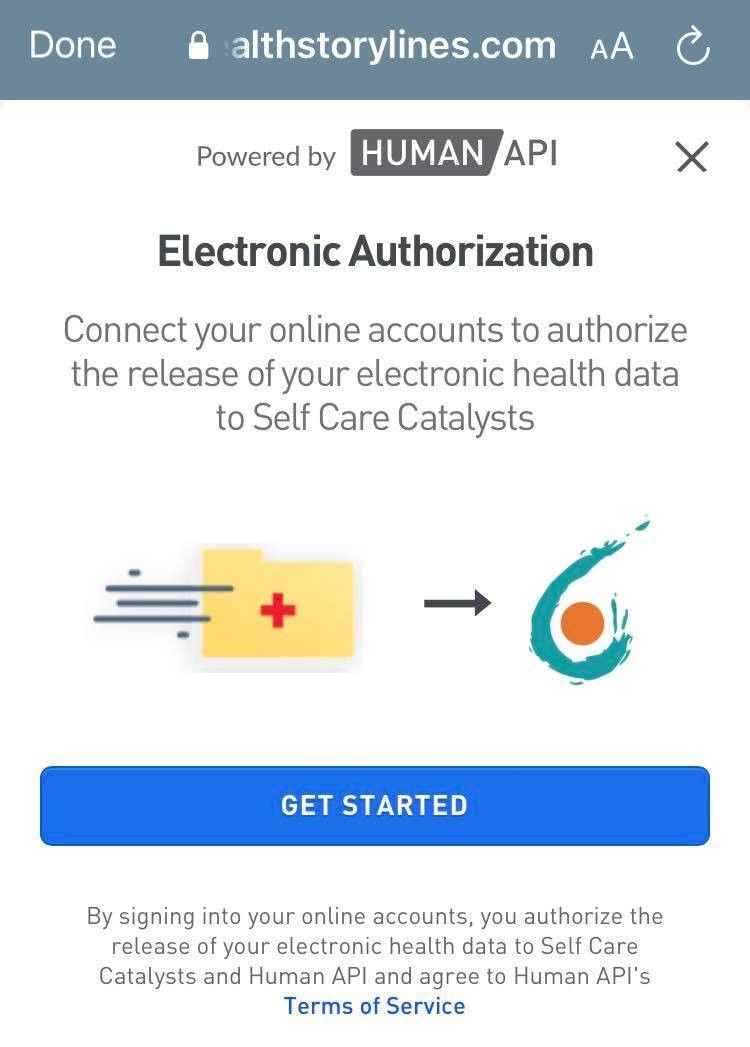
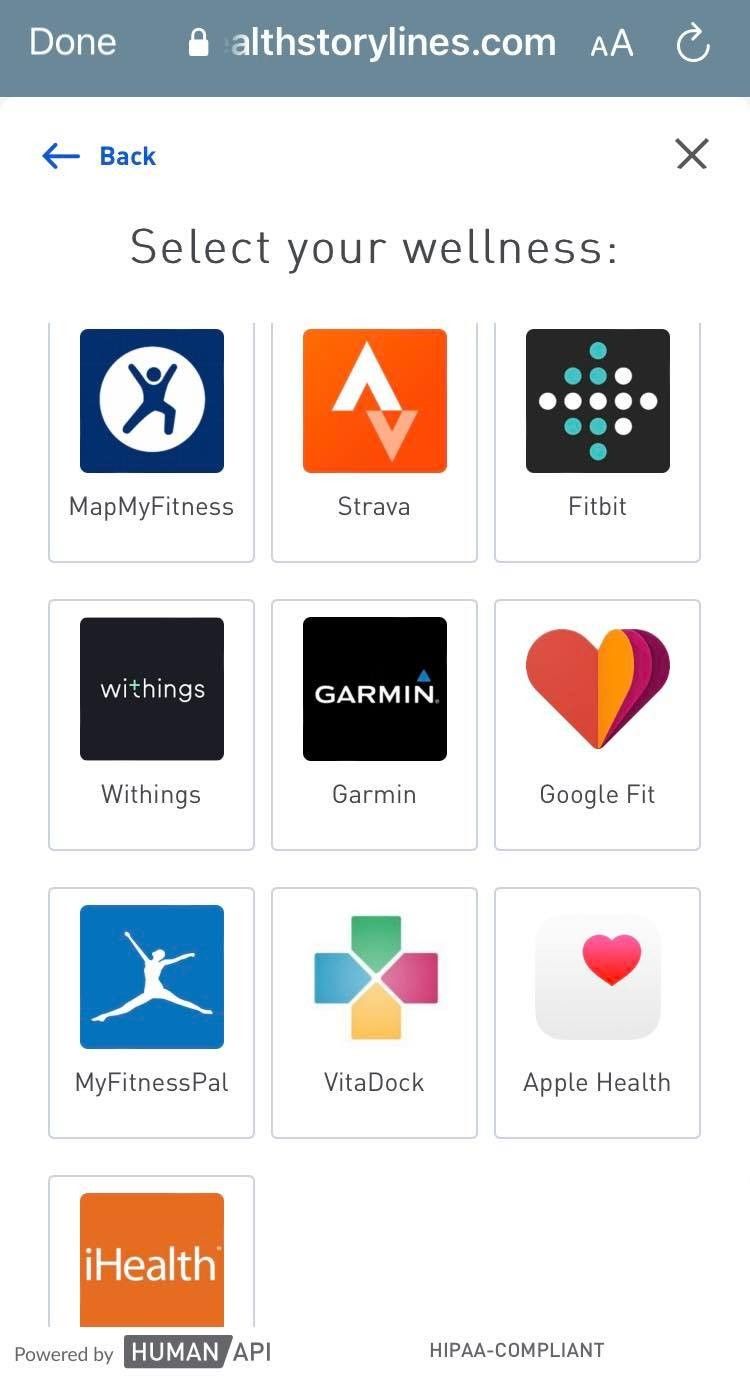
- Click on ‘GET STARTED’ which will take you to a list of devices that Health Storylines can sync with.
- Click on the source from the options shown on the screen, to choose the device you would like to connect.
- On the next screen that appears, you will have to authenticate yourself by providing the registered email address and password that you share with the wearable device.
How to sync with Other Devices

Comments
0 comments
Please sign in to leave a comment.